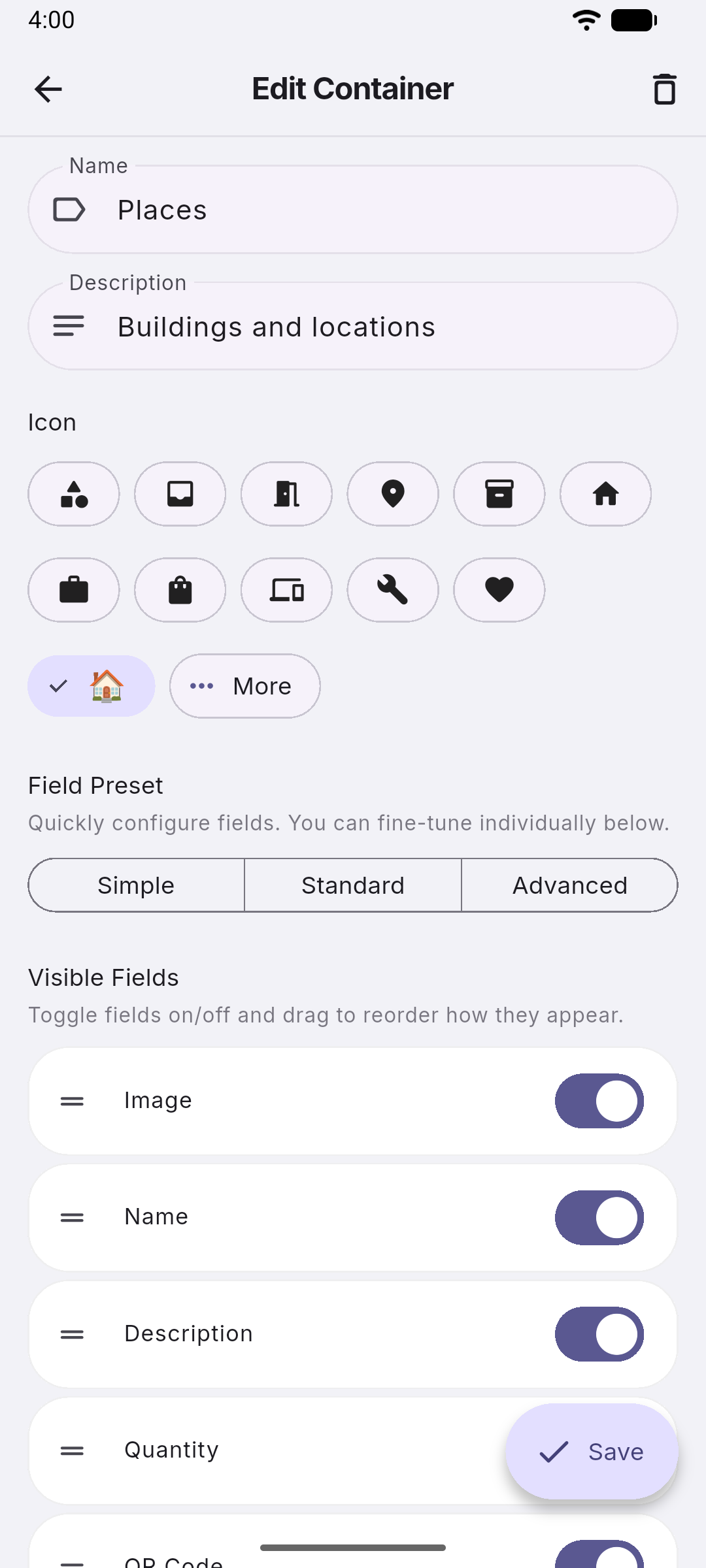
Box•E edit container screen with custom icons and field controls
Inventory

Custom types for every category

Create item types tailored to your home — Boxes, Rooms, Electronics, Tools, Vehicles — each with only the fields that matter for that type. Toggle visibility for name, brand, model, weight, dimensions, serial number, warranty, and more.

  • Unlimited item types with custom icons
  • Per-type field visibility controls
  • Drag-and-drop type ordering
  • Nested parent/child item hierarchy
  • Tags, photos, notes on every item
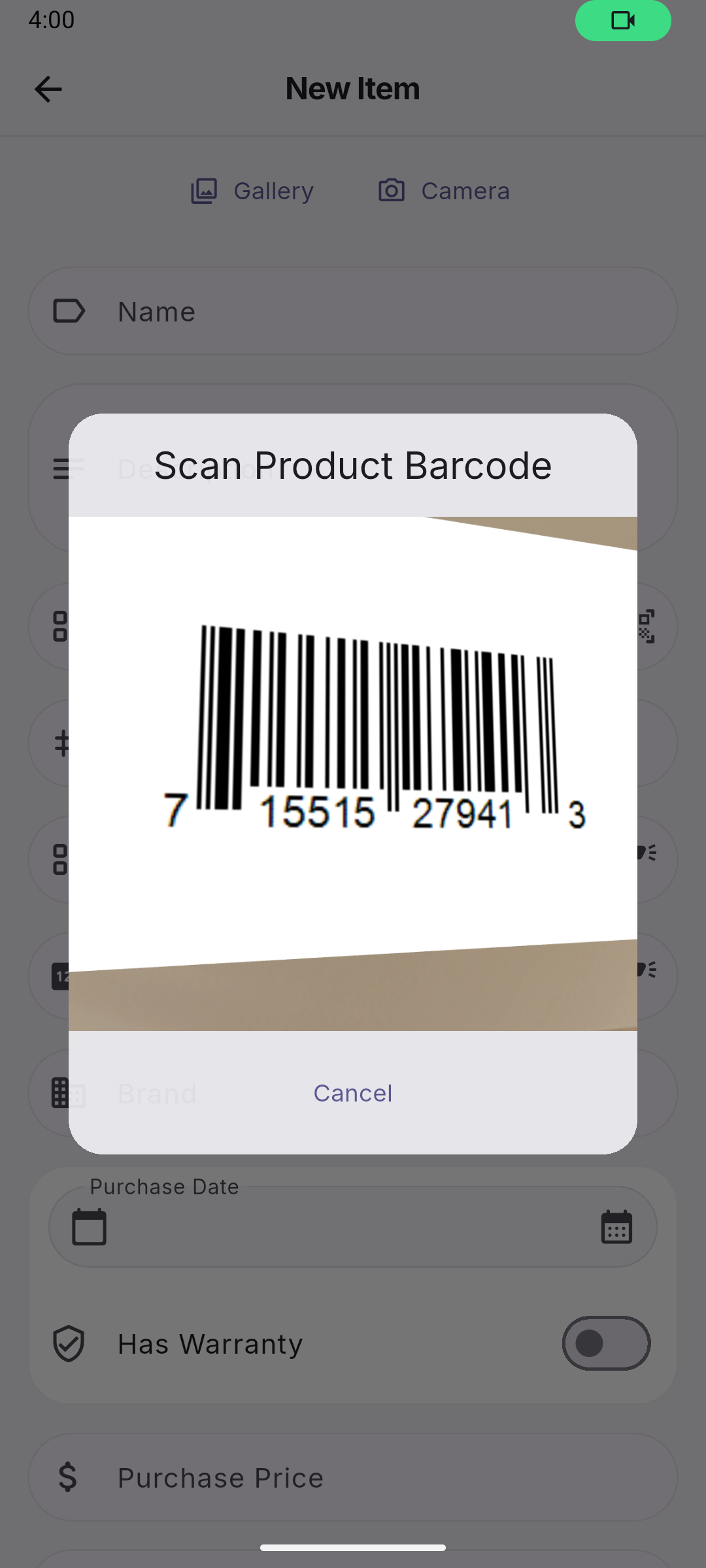
Box•E barcode scanning flow inside the app
Scanning

Scan once, fill the field you opened

Scan any UPC, EAN, Code 128, or QR code with your camera. Box•E uses the detected code in the field or flow where you launched the scanner, so you can capture labels without retyping.


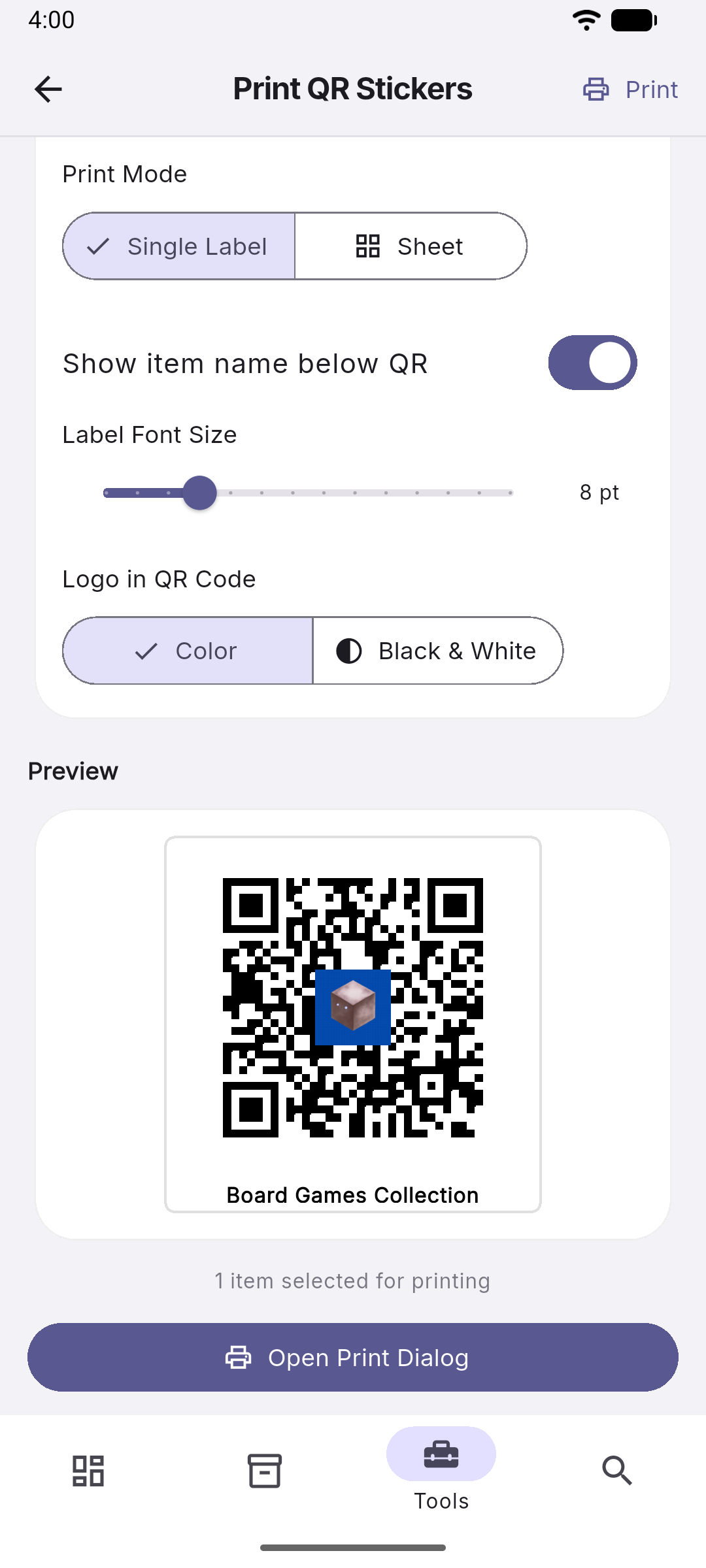
Box•E QR label generator preview with printable labels
Free Utility

Print smart inventory stickers

Need to label boxes and bins? Use our free print-from-home QR label generator. It requires no account, mints unique short URLs, and works entirely in your local browser so nothing is sent to a server.

  • Generate unique QR codes for your items
  • Supports standard templates like Avery 5160
  • Completely free and runs offline
Try the QR Generator

Box•E cloud backup and sync settings screen
Cloud Backup Premium

Your data, safe in the cloud

Sign in with Google or email and back up your entire inventory — including photos — to Firebase. Restore on a new device in seconds. Enable live sync to keep every device up to date automatically. Premium includes 5 GB of cloud storage; Premium+ gives you 50 GB.

  • One-tap backup including photos
  • Restore to any device instantly
  • Live sync — changes appear everywhere in real time
  • 5 GB cloud storage (Premium) or 50 GB (Premium+)
  • “Data only” sync mode — skip photo downloads to save bandwidth (all paid tiers)
  • Works on Android & iOS

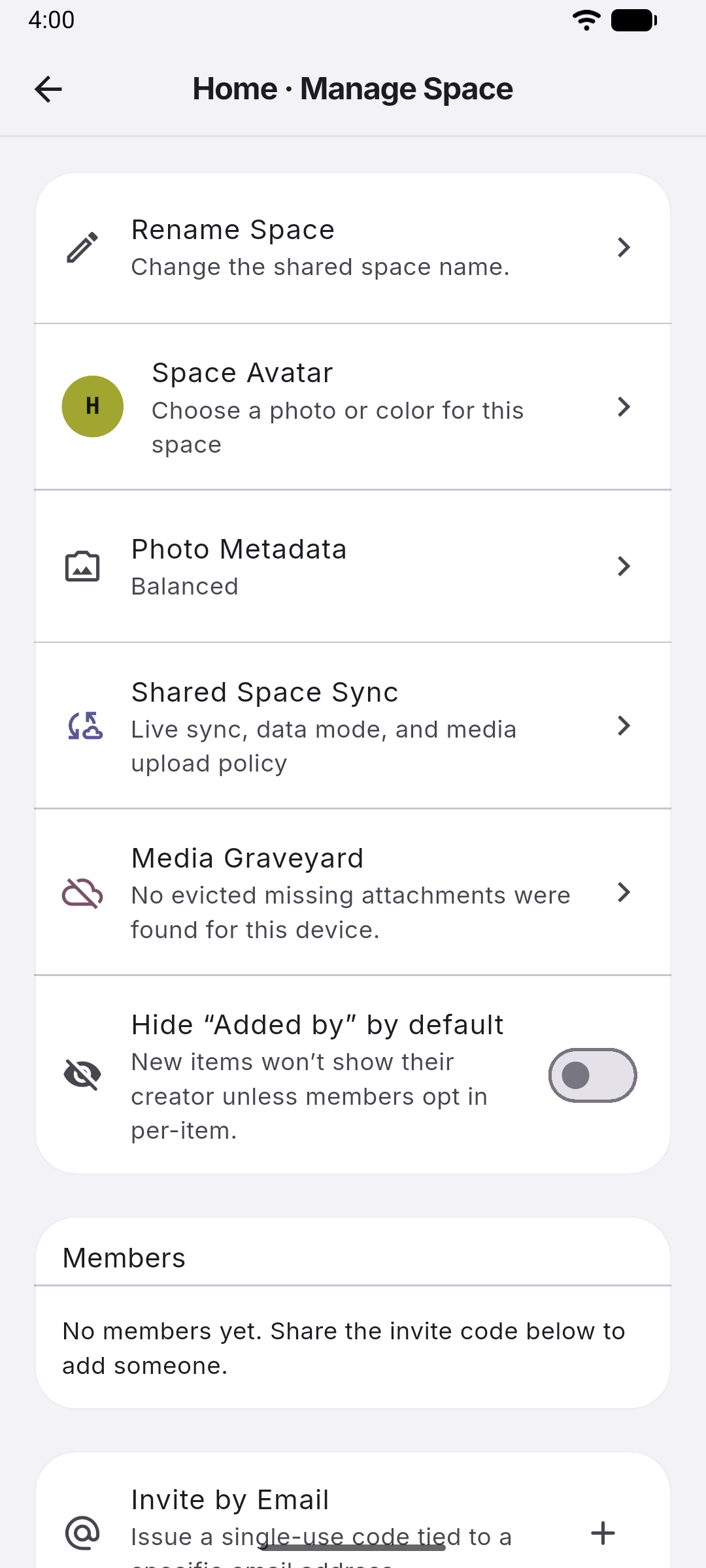
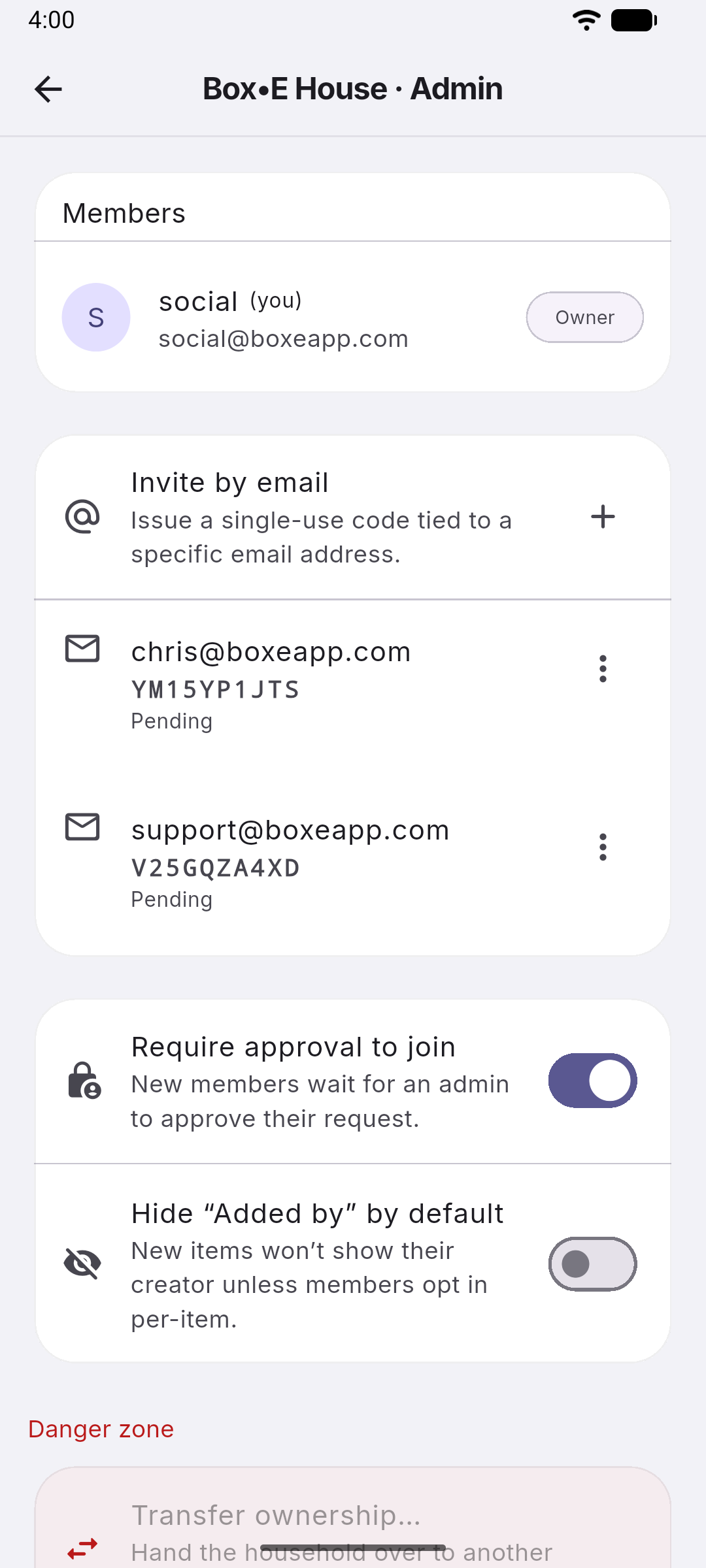
Box•E household sharing screen with members and invite options
Household Premium

Share with your whole household

Create a household and invite family or housemates with a 6-character invite code. Everyone shares the same inventory and sees updates in real time. Manage multiple households — switch between them with a single tap. Premium supports up to 6 members per household; Premium+ supports up to 12.

  • Create or join a household with an invite code
  • Real-time sync across all members
  • Up to 6 members (Premium) or 12 members (Premium+)
  • Switch between multiple households

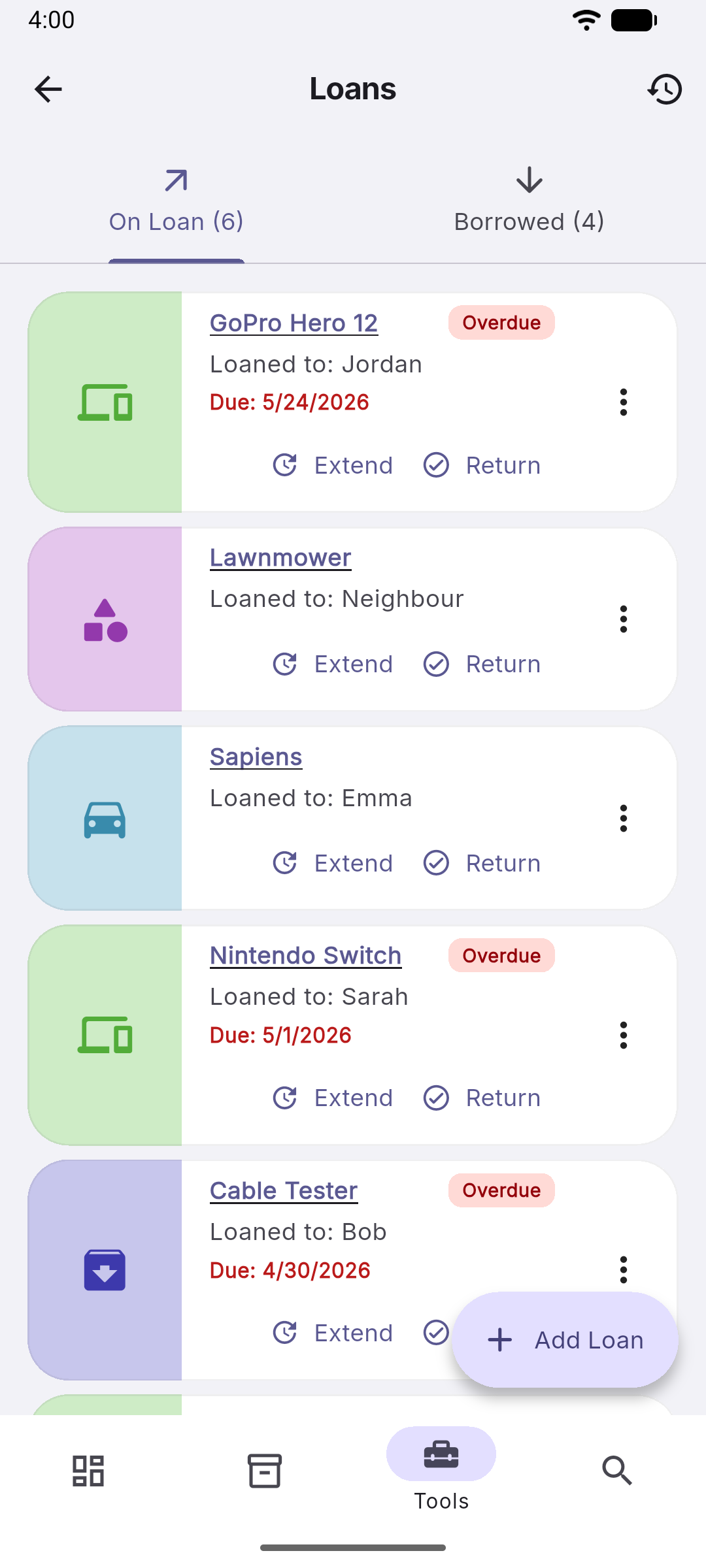
Box•E loan tracking screen with due dates
Loans

Track what's lent and borrowed

Log items you've loaned to someone or borrowed from a friend. Set due dates, track who has what, and get a clean history of every loan once returned. Optionally archive borrowed items when they're given back.

  • On Loan and Borrowed tabs
  • Due date tracking
  • Full loan history per item

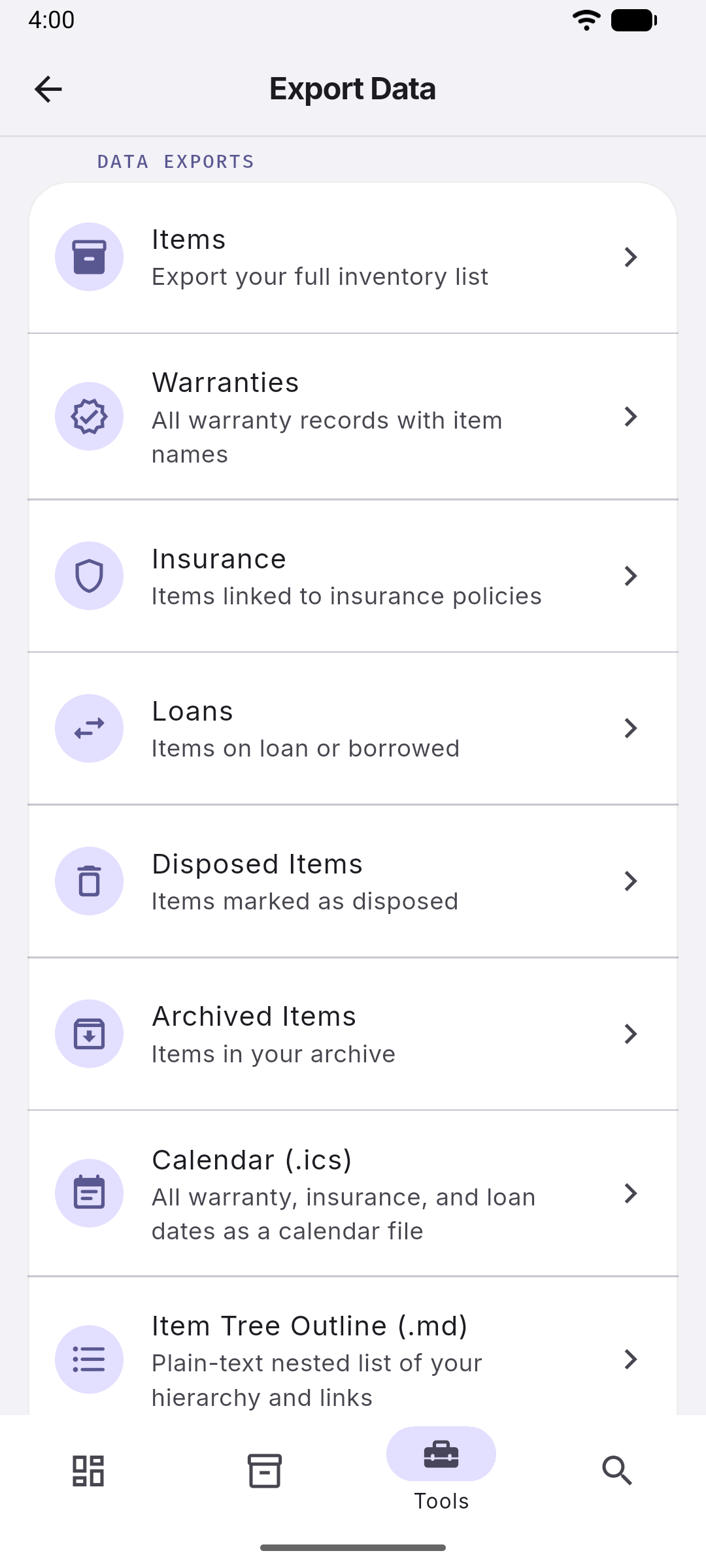
Box•E export screen for generating Excel files
Export Premium

Export your inventory to Excel

Generate a fully-formatted Excel spreadsheet of your inventory. Filter by item type, apply search terms, and choose what to include. Ideal for insurance documentation, moving house, or just keeping a backup you can open anywhere.

  • Filter by type and search term
  • All fields included per row
  • Share via email, Drive, or AirDrop
At a Glance

Everything else

Tags & Search

Tag items and search across your full inventory instantly.

Location Field

Add GPS-based or typed locations to any item.

Warranty Tracking

Log warranty status and expiry period for any item.

Purchase & Value

Track purchase price, date, source, and estimated current value.

Archiving

Archive items you no longer need without losing their history.

Disposal Tracking

Mark items as disposed with type, date, and notes.

Dark Mode

Full light, dark, and system-default theme support.

iOS, Android & Web

Native mobile apps plus a full web app on any browser.

GPS & Address

Capture GPS coordinates and structured addresses for any item, with a live map preview.

Smart NFC Tags

Tap an NFC tag to instantly open any item. Write tags straight from the app.

Bluetooth Tracker Links

Link AirTag, Tile, Chipolo, and Samsung SmartTag trackers to any item for one-tap locating.

Voice Assistants

Ask Google to find items by name or custom voice alias.

Start organizing today — it's free

No account needed to get started. Upgrade to Premium when you're ready.